.NET 10 · WINDOWS 10/11
HASS.Agent .NET10
A modern, lightweight Windows companion for Home Assistant — notifications, media control, sensors, commands, and one-click updates.




A modern, lightweight Windows companion for Home Assistant — notifications, media control, sensors, commands, and one-click updates.
Observe and control your Windows PCs from Home Assistant — split between an interactive tray app and an optional system service.
Home Assistant notifications as tray balloons or actionable popups — buttons fire action events back to HA for automations.
Control and observe the active media session — play, pause, skip, volume, and album art straight from HA.
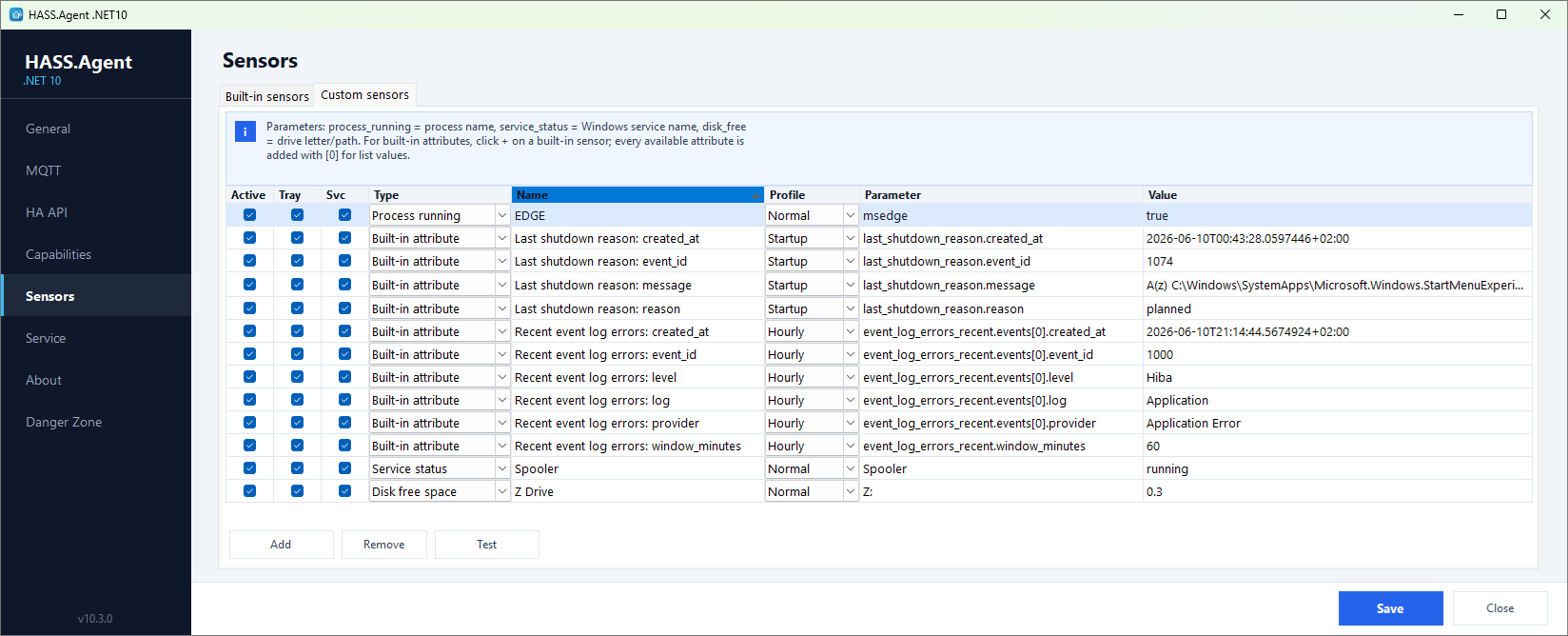
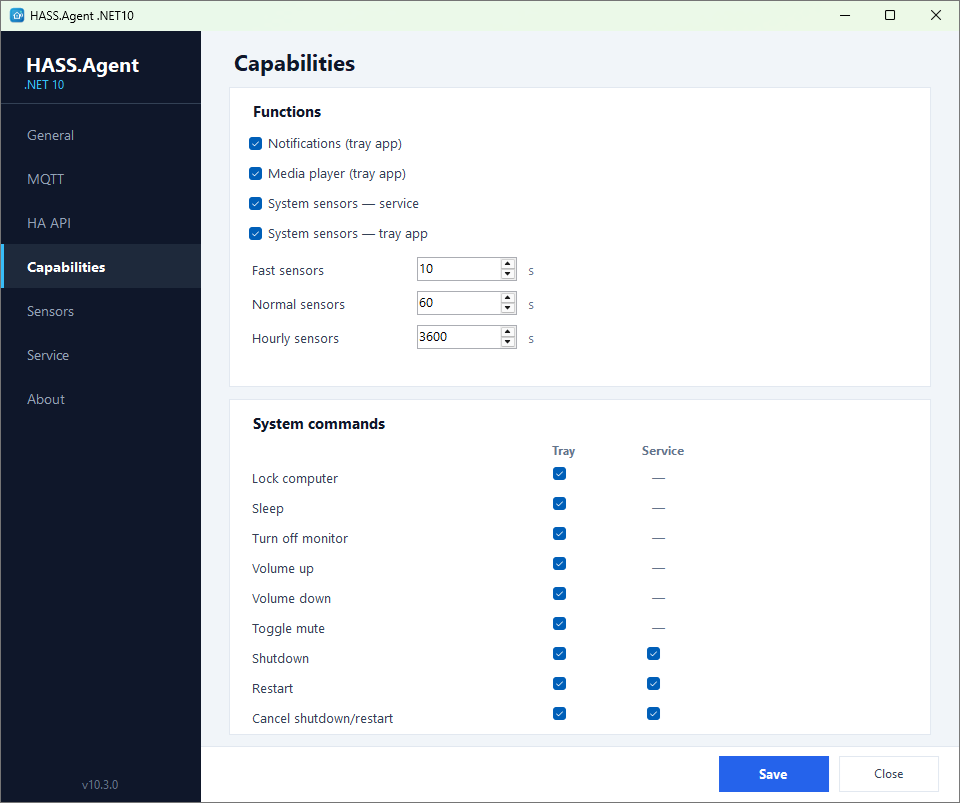
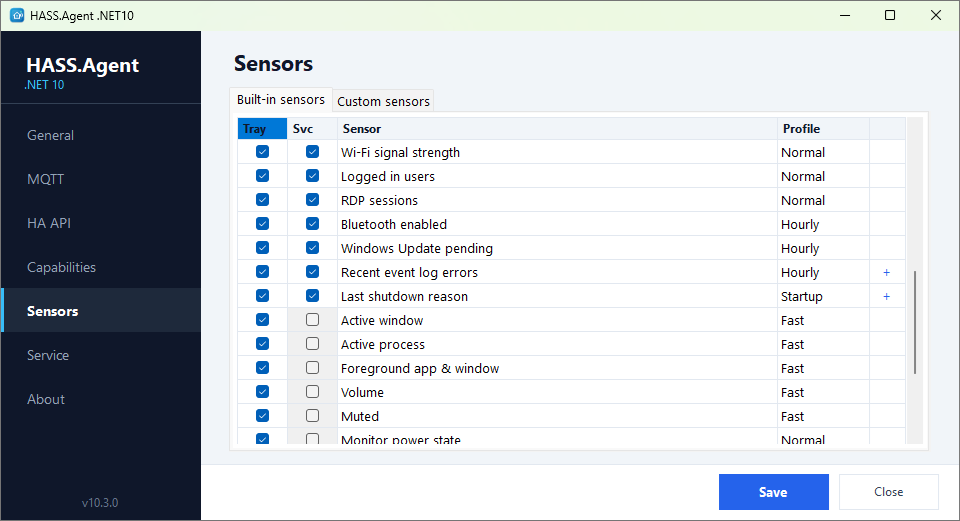
Built-in system sensors plus custom sensors (process, service, disk) with fast / normal / hourly / startup polling profiles.
Shutdown, restart, and custom command buttons — run from automations or the HA dashboard.
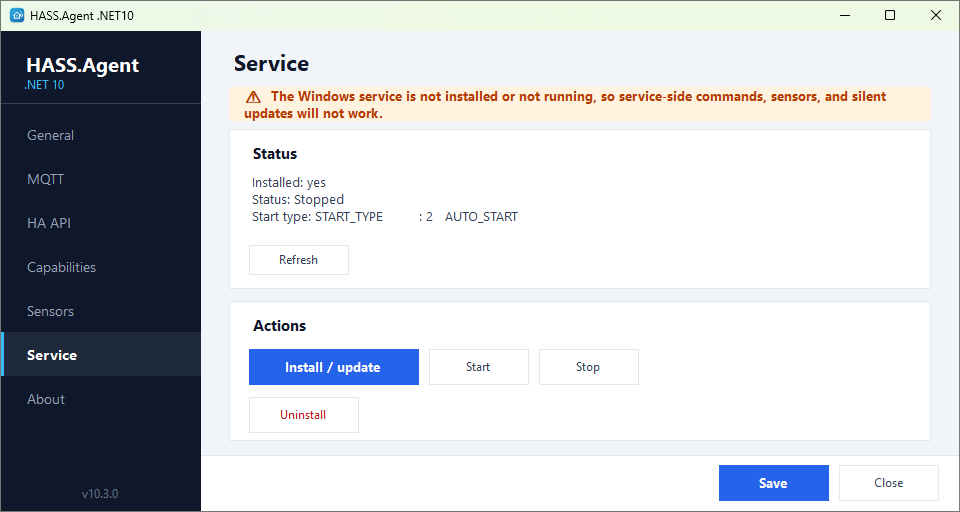
An optional system service handles features that should work even when no user is logged in.
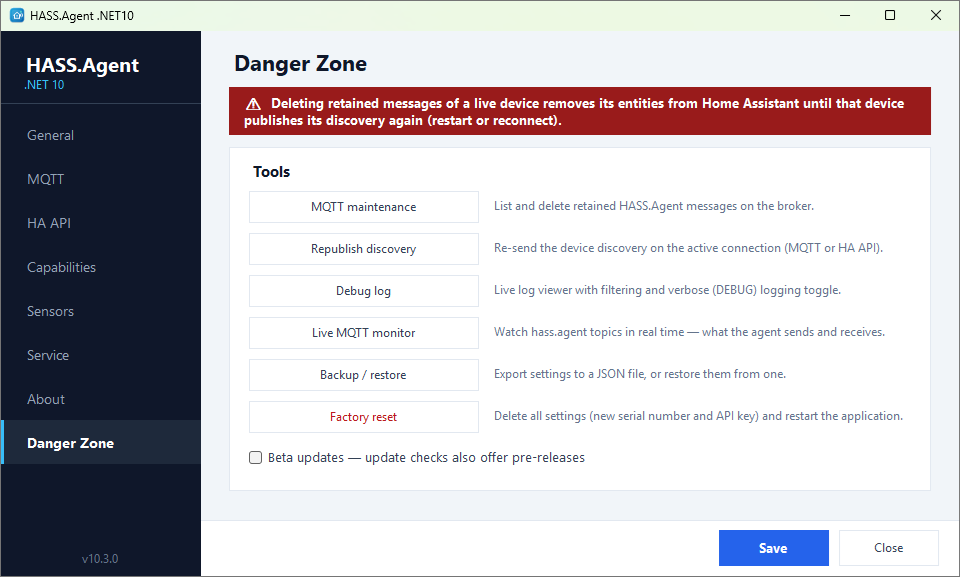
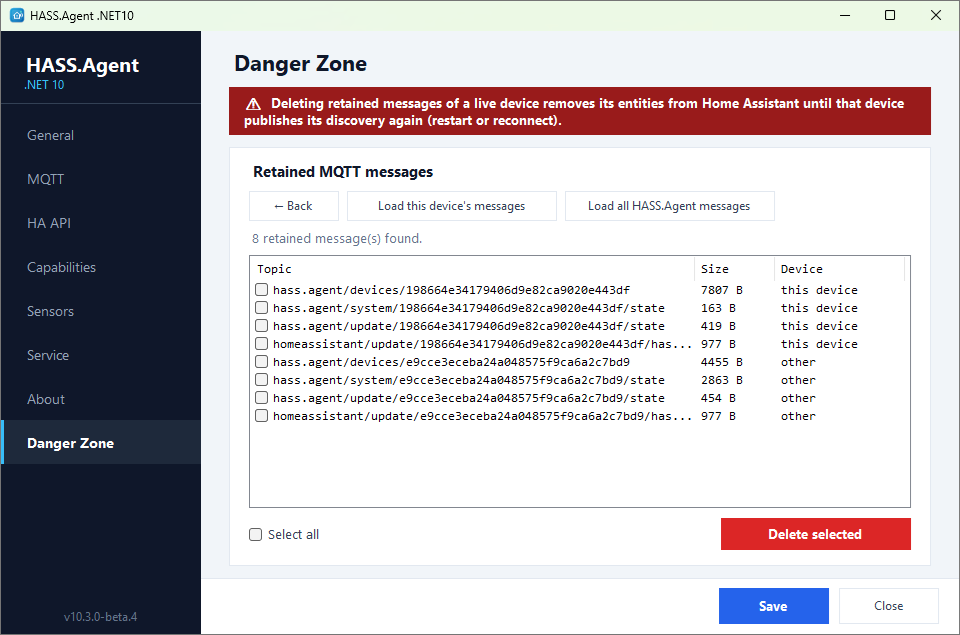
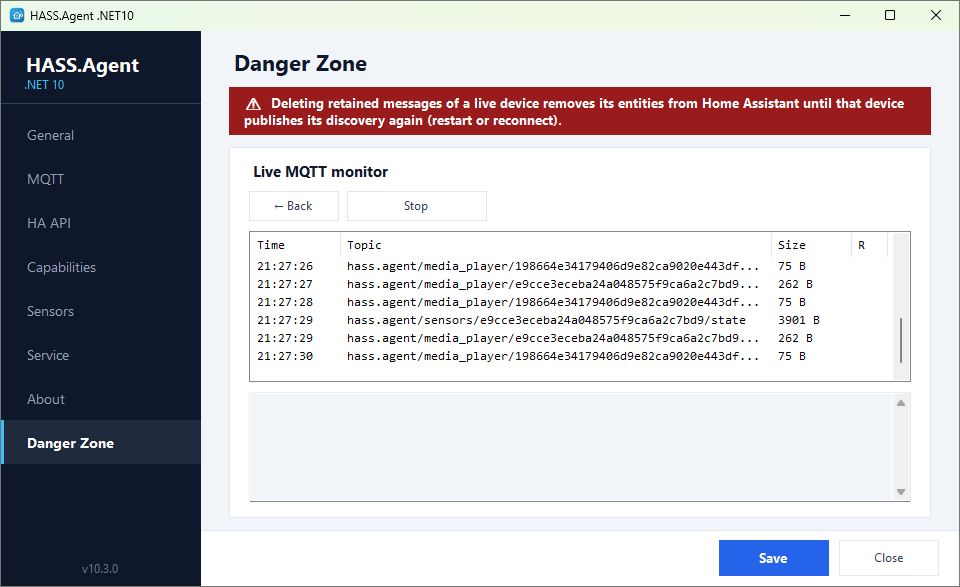
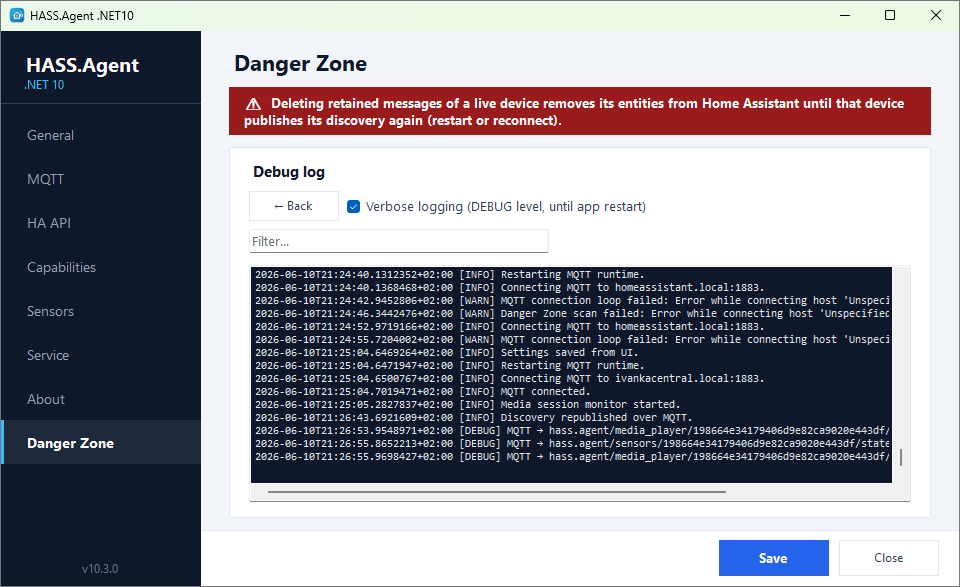
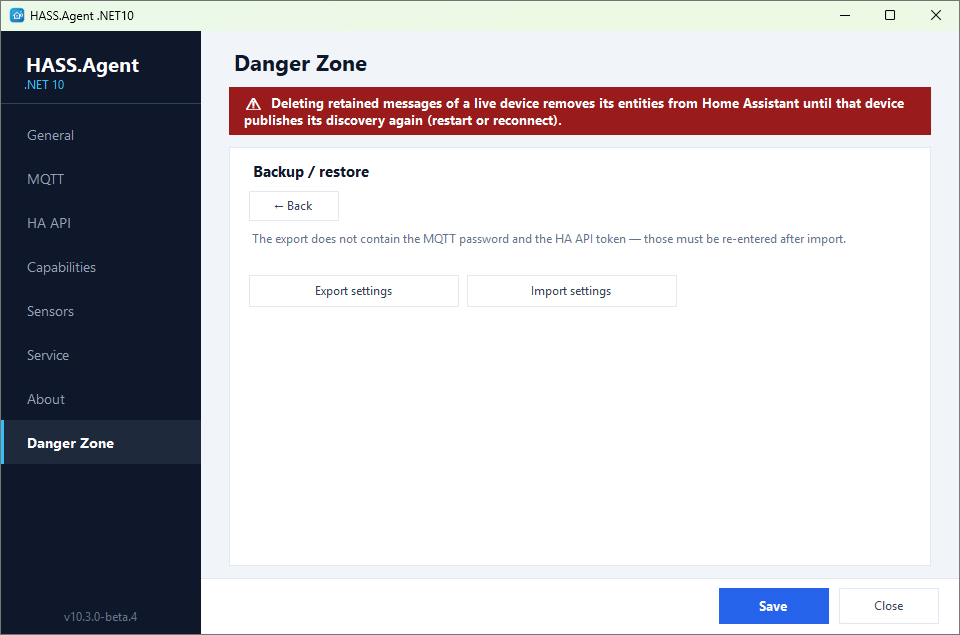
Opt-in toolbox: MQTT cleanup, live monitor, debug log, settings backup/restore, and factory reset.
Use whichever fits your setup — or let the app fail over automatically when you're away from home.
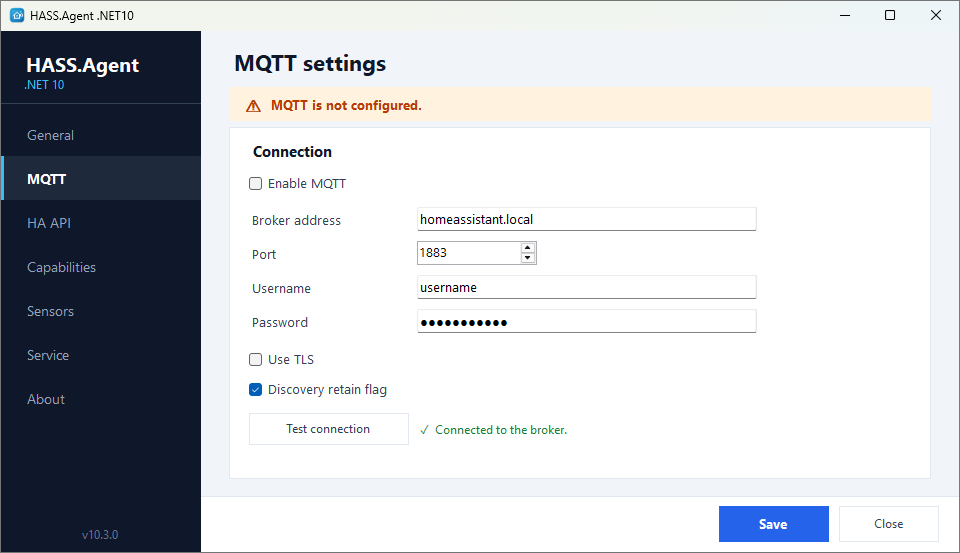
Fast, local auto-discovery via your MQTT broker (e.g. Mosquitto). The primary, full-featured transport.
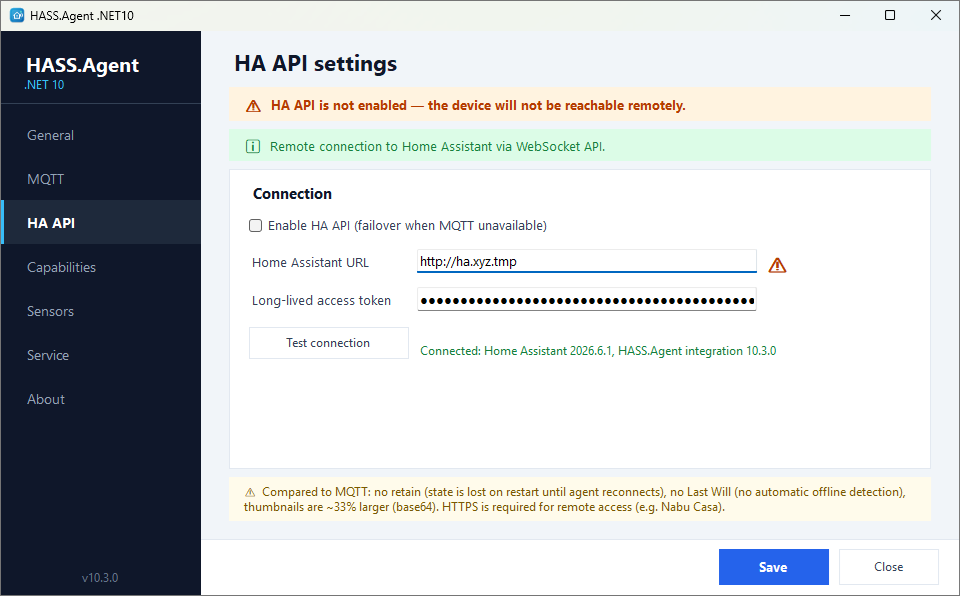
Connect over the Home Assistant WebSocket API — perfect for laptops away from home or setups with no MQTT broker. Auto-fails over when MQTT drops.
A notification-only local endpoint for simple, direct integrations.
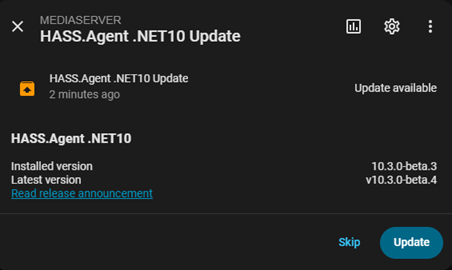
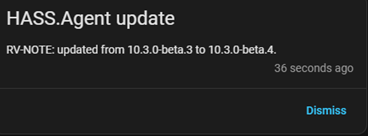
The HA update entity has a real Install button. With the system service installed, updates apply fully silently — no UAC prompt, the tray app relaunches itself, and Home Assistant gets a persistent notification when it's finished. Opt into the beta channel right inside the app to follow pre-releases.
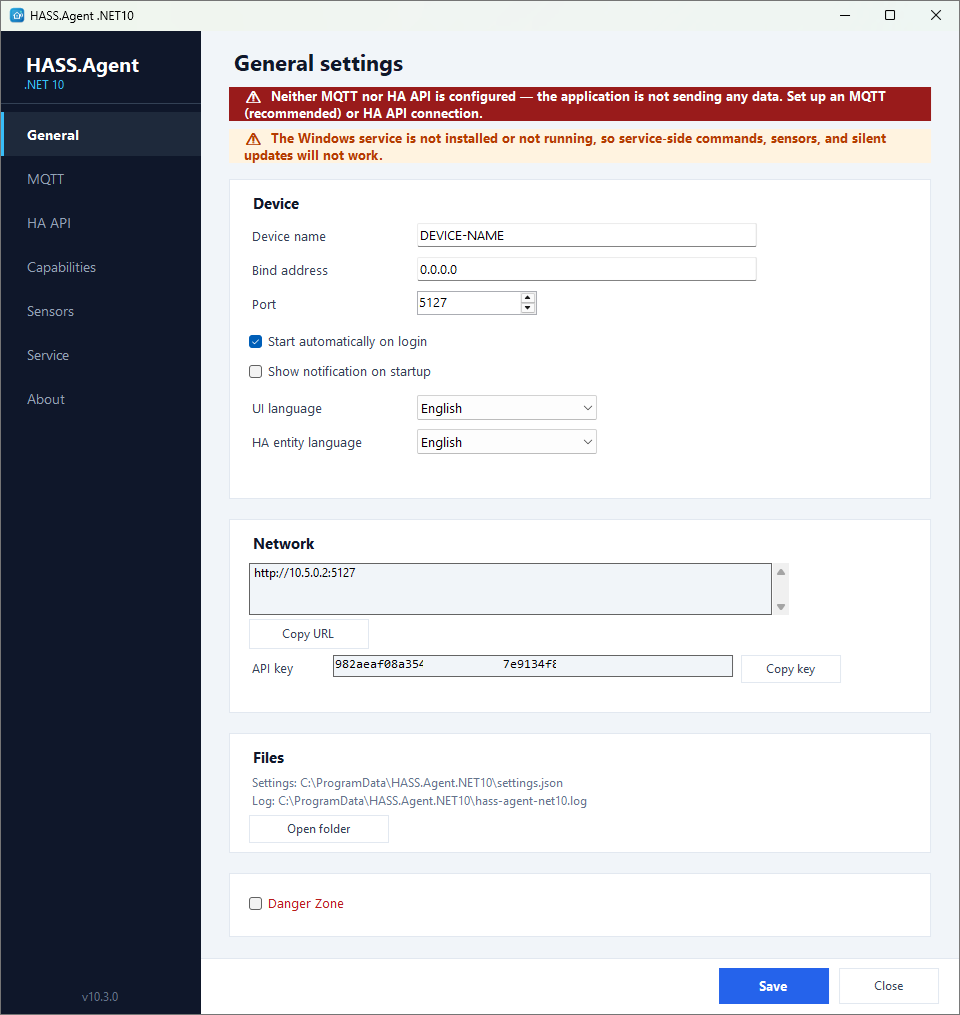
An opt-in toolbox for maintenance and diagnostics — enable it with a checkbox on the General page.
Two pieces: the Windows app and the Home Assistant integration.
Add HASS.Agent.NET10-Integration to Home Assistant (via HACS custom repository).
Enable MQTT or the HA API in settings — the device appears in Home Assistant automatically.