Dashboard popup
A Home Assistant dashboard, or any web page, in a small window above the tray. Set its address and size on the Capabilities page, then open it from the tray menu, or with a click on the tray icon if you tick that. It closes when you click elsewhere, and nothing is loaded while it is closed. Off until an address is set.
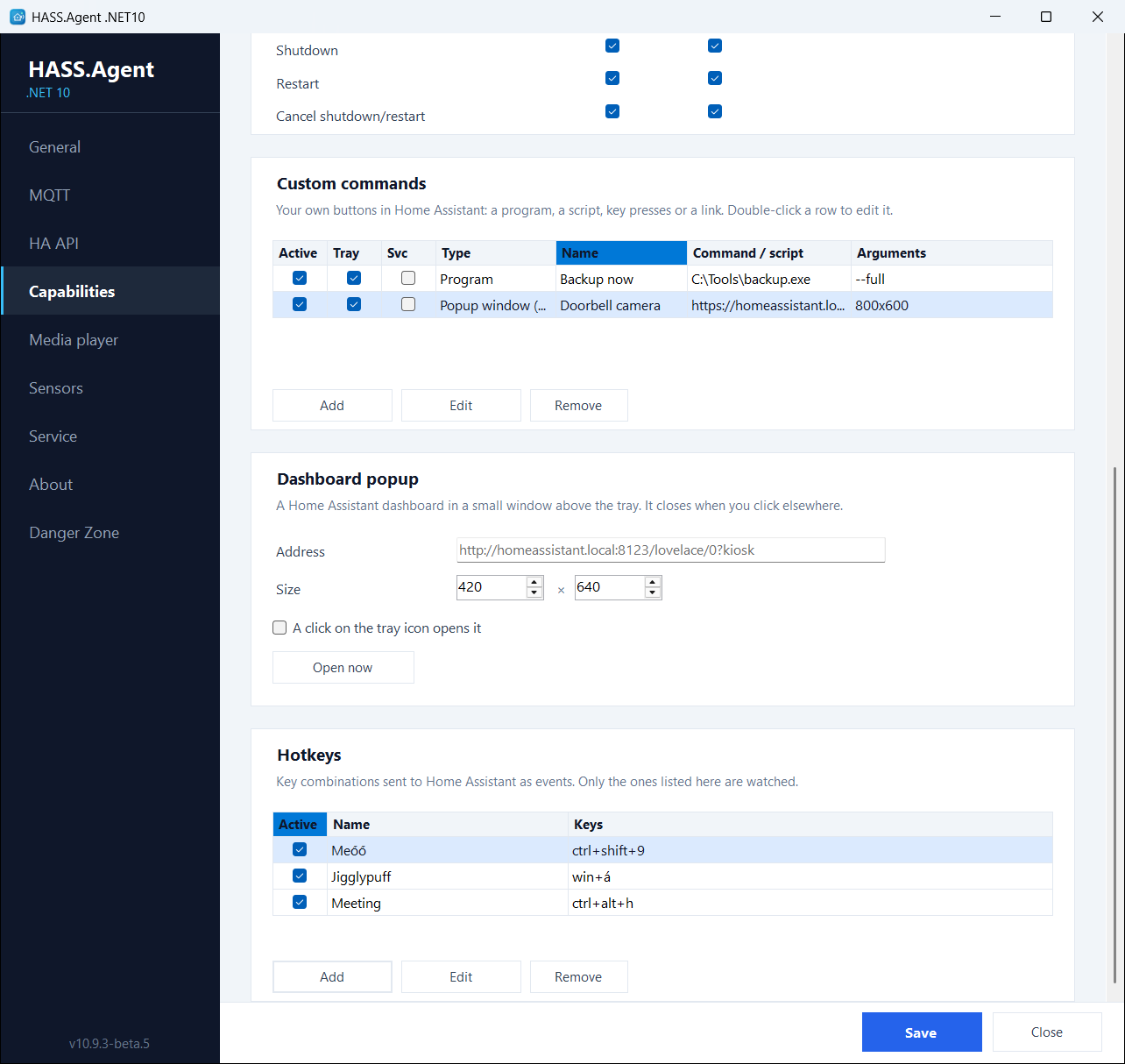
A dashboard made for it works best: a narrow one with the lights, the thermostat and the cameras you want at hand, in Home Assistant's own kiosk or panel view so the sidebar stays out of the way. The login is kept per Windows user, so Home Assistant asks for it once.
There is a matching custom command type, Popup window (WebView), that shows a page in a window of its own, for example a camera when the doorbell rings; see Custom commands.
Both use the WebView2 runtime, which ships with Windows 11 and comes with Microsoft Edge on Windows 10; nothing has to be installed for it.